

How Ai-Powered Email Writing Assistants Reshape Workplace Communication and Work Identity
Written with AI assistance under our editorial guidelines
By 2026, AI-powered email writing assistants will become essential tools as workers receive over 120 emails daily. These systems automate composition and filtering, reclaiming time and attention while forcing workplaces to reckon with authenticity, workplace norms, and what AI automation means for identity at work.
In a world where unread emails multiply faster than coffee runs during overtime, the promise of an ai-powered email writing assistant is no longer a Silicon Valley punchline—it’s a survival tool. The modern inbox is a battleground of alerts, pings, and ceaseless demands on attention. Amid this chaos, AI-powered email automation is quietly rewriting the rules of work, stripping away the mundane, surfacing what matters, and—if you know how to wield it—handing you back precious hours and a measure of sanity. But beneath the shiny marketing, there’s a deeper story: one of psychological pressure, shifting workplace norms, and the subtle ways software changes the very language of business. In 2025, as inboxes overflow and patience wears thin, we’re not just adopting AI for efficiency—we’re grappling with what it means for our identity, authenticity, and the future of work. This article peels back the layers on ai-powered email writing assistants: the hidden mechanics, the real risks, the productivity revolution, and why this is the year your inbox transforms from a liability into your sharpest asset.
The email apocalypse: how did we get here?
A brief history of email overload
It wasn’t always like this. The original promise of email was elegant: communication untethered from the tyranny of time zones and postal delays. For a while, it worked—a ticket to frictionless collaboration. But by 2025, the average office worker receives over 120 emails per day, a relentless flood that drowns focus and blurs priorities. According to recent data from Statista, 2025, global email traffic has surged past 376 billion emails sent and received daily. The exponential rise in volume has transformed what was once a productivity tool into a primary source of workplace stress, fragmenting attention and pushing deep work to the margins.
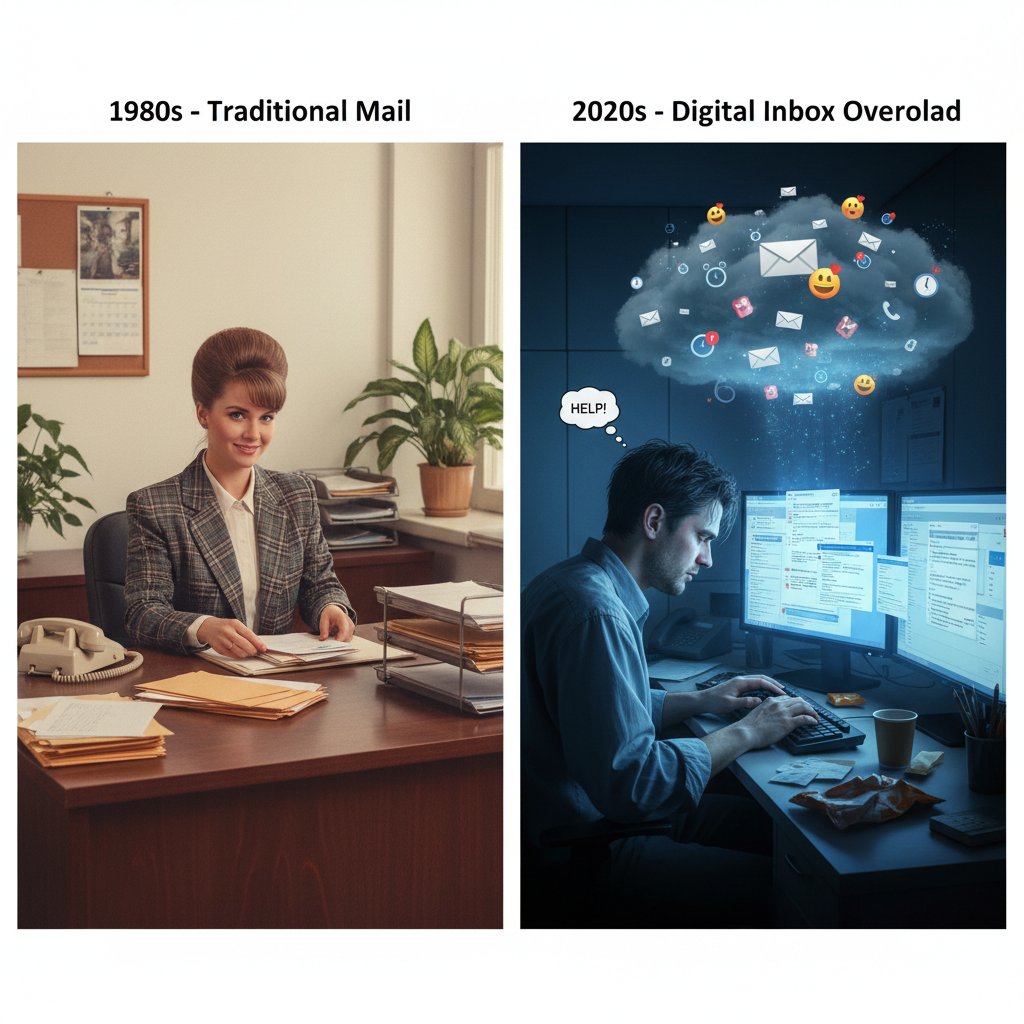
The shift is more than numbers; it’s visible in office culture. The ping of an incoming message is a modern Pavlovian bell, conditioning us to drop whatever we’re doing and respond, no matter the cost to our workflow—or our well-being.
The psychology of inbox zero
Why do we obsess over clearing our inboxes as if our professional worth depends on it? Psychologists explain that every unread message is a nagging “open loop,” a to-do item our brains can’t ignore. This constant mental pressure triggers low-level anxiety, making inbox zero both a badge of honor and a Sisyphean curse.
"Email used to be a lifeline—now it feels like a leash." — Jordan, communication expert
But the irony is, as we chase the elusive clean slate, we’re often sacrificing meaningful work for the illusion of control. The relentless pursuit of inbox zero means the real tasks—the ones that matter—can get buried under a mountain of “just checking in” and “per my last email.”
The hidden costs of bad email habits
It’s not just wasted minutes; it’s lost momentum, productivity, and sometimes, mental health. According to a Stanford study, 2024, knowledge workers can lose up to 2.6 hours a day to email management alone, with frequent interruptions leading to error rates climbing by as much as 20%. The cost isn’t just individual: for companies, it means thousands of dollars in lost output per employee, per year.
| Statistic | 2025 Value | Source |
|---|---|---|
| Global daily emails sent/received | 376+ billion | Statista, 2025 |
| Avg. daily work hours lost to email | 2.6 | Harvard Business Review, 2024 |
| Avg. response time expected (business) | Under 2 hours | SuperOffice, 2024 |
| Productivity loss per worker (annual, est.) | $8,000+ | McKinsey, 2024 |
Table 1: The staggering impact of email overload on global productivity
Source: Original analysis based on [Statista, 2025], [Harvard Business Review, 2024], [SuperOffice, 2024], [McKinsey, 2024]
These statistics reveal the urgent need for a smarter approach—one that doesn’t just help us “manage” email but fundamentally transforms how we communicate at work.
What is an ai-powered email writing assistant—really?
Demystifying the tech: how does it work?
At its core, an ai-powered email writing assistant is not magic—it’s math and language, woven together by algorithms that have digested billions of sentences. Using natural language processing (NLP), these tools analyze the structure, tone, and intent of emails, generating human-like responses in seconds. The cutting-edge AI models behind these assistants (think GPT-style transformers) are trained on vast datasets that include professional correspondence, formal requests, and every flavor of digital nuance.
Here’s how the magic happens: you type a few bullet points, select a tone (“friendly but firm,” “executive summary,” “apologetic but not groveling”), and the assistant drafts a complete, contextually relevant email. It’s not just spellcheck on steroids—it’s context-aware communication that can mimic your style, learn from your edits, and even anticipate what your boss is really asking for.
Key terms explained:
- Natural language processing (NLP): The field of AI that enables machines to understand, interpret, and generate human language. Imagine a robot that’s read the world’s emails and knows when “per my last email” is code for “why are you ignoring me?”
- Prompt engineering: The art of crafting effective “prompts” or instructions to elicit the best possible output from an AI model, much like giving your assistant just the right nudge to get work done.
- Contextual AI: AI that doesn’t just regurgitate templates; it reads the room (or the thread), leveraging prior messages, user preferences, and even recipient data to tailor responses that fit the situation.
Types of AI email assistants: which is right for you?
The market is flush with options, but not all AI email tools are made equal. Some slip in as browser extensions—quick, lightweight, but sometimes limited in power. Others are standalone platforms, offering deep customization but requiring more setup. The most ambitious are fully integrated solutions, baking AI directly into your Gmail, Outlook, or CRM, promising seamless workflow but sometimes at the cost of data privacy or vendor lock-in.
| Type | Integration | Learning Curve | Price Range | Accuracy | Best Use Case |
|---|---|---|---|---|---|
| Browser Extension | Easy | Low | $ - $$ | Medium | Quick replies, individuals |
| Standalone Platform | Moderate | Medium | $$ - $$$ | High | Teams, advanced writing |
| Native Integration | Full | Low | $$ - $$$ | High | Enterprises, automation |
Table 2: Comparing types of AI-powered email assistants
Source: Original analysis based on MarkTechPost, 2024, UseMotion, 2024
Choosing the right solution depends on your workflow, privacy needs, and appetite for automation.
What AI can (and can’t) do with your email
Here’s the reality check: an ai-powered email writing assistant can draft, summarize, and even personalize messages with uncanny speed. It nails grammar, adapts tone, and can suggest subject lines that actually get opened. But it’s not perfect. Subtle nuances—sarcasm, cultural context, or complex negotiations—can still trip up even the smartest algorithms.
Hidden benefits of AI-powered email assistants:
- Bias reduction: AI can help strip out unconscious bias in language, making communications more inclusive.
- Surprising time savings: According to GetResponse, 2024, users report saving up to 5 hours per week on routine emails.
- Learning from your style: The best tools adapt as you edit, getting closer to your “voice” over time.
- Consistency: AI never gets tired—your 50th email of the day is as sharp as the first.
- Multilingual support: Break language barriers with built-in translation and tone adjustment features.
- Accessibility: AI-generated emails are often clearer, making content more accessible to non-native speakers.
Yet, AI still struggles with ambiguity and lacks the intuition that comes from human relationships. That’s why a hybrid approach—AI for routine, human for the nuanced—is the new gold standard.
Debunked: myths and misconceptions about AI email assistants
Do AI email assistants kill authenticity?
There’s a knee-jerk fear that automating communication turns us into corporate drones. But the truth is more nuanced. The best AI email assistants don’t erase your voice—they amplify it by clearing the way for intentional, thoughtful communication. By learning from your edits and providing customizable templates, these tools allow users to maintain individuality, even in automated exchanges.
"The best AI doesn’t erase your voice—it amplifies it." — Priya, tech lead
Authenticity isn’t about writing every word from scratch; it’s about clarity, intent, and impact. AI can handle the groundwork, letting you focus on the moments that matter.
Privacy, security, and the shadow of surveillance
No technology adoption is without risk. Concerns over data privacy and surveillance are real, especially as AI tools process sensitive information. Leading platforms encrypt messages end-to-end and process data locally or in secure cloud environments. According to GravityWrite, 2024, it’s critical to evaluate how vendors handle data storage, access, and deletion. Before you let AI loose in your inbox, look for SOC 2, GDPR, and ISO 27001 compliance as non-negotiables.
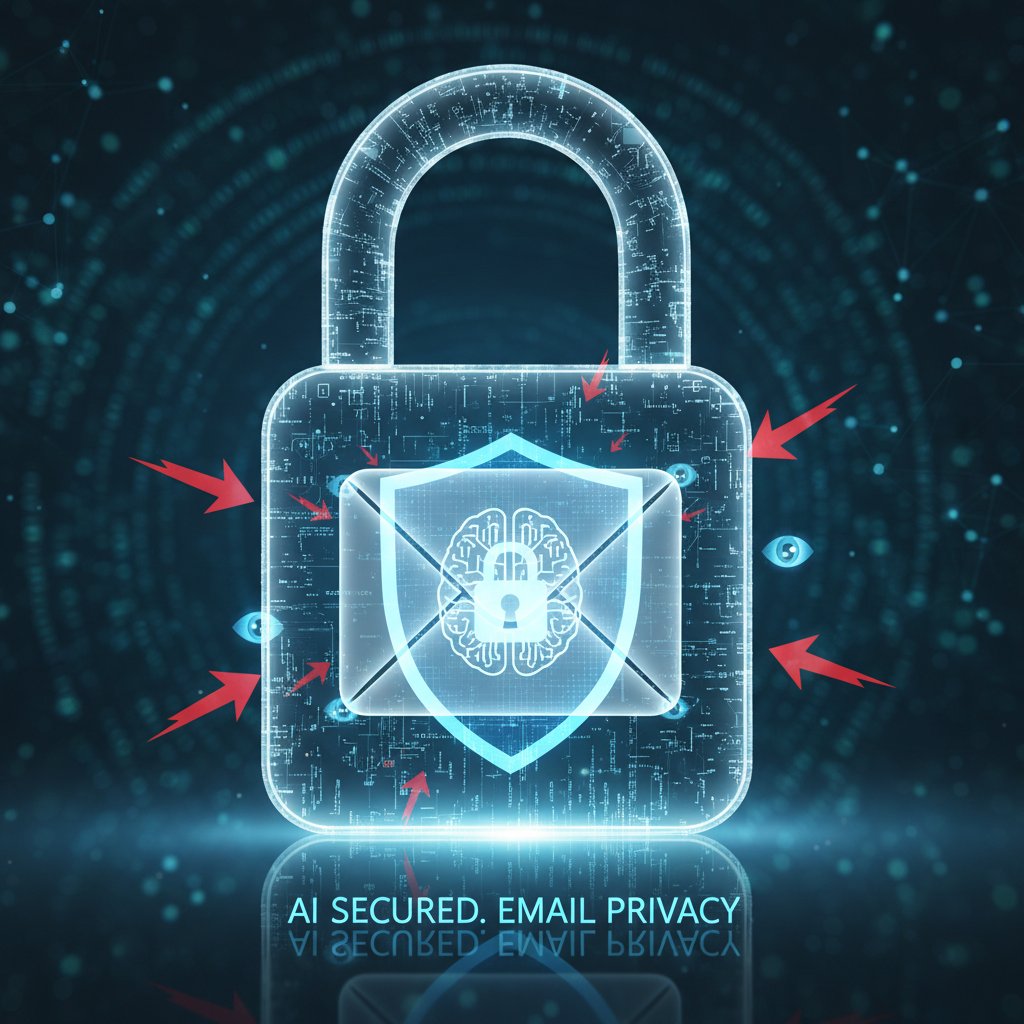
Transparency reports, clear opt-in/opt-out controls, and the ability to audit or delete stored data are signs of a trustworthy tool. Never compromise on privacy for convenience.
Is AI-generated email really that much better?
The proof is in the metrics, not the marketing. A Boomerang study, 2024 found that AI-crafted emails achieved 17% higher response rates and 35% faster replies compared to manually written messages. Error rates (typos, missed attachments) dropped by nearly 40%. Yet, human-written emails still outperformed AI in complex negotiations and emotional contexts.
| Email Type | Avg. Response Rate | Error Rate | Avg. Reading Time | Source |
|---|---|---|---|---|
| AI-generated | 57% | 2% | 1 min 12 s | Boomerang, 2024 |
| Human-written | 49% | 3.2% | 1 min 28 s | Boomerang, 2024 |
| Hybrid (AI + edit) | 61% | 1.5% | 1 min 10 s | UseMotion, 2024 |
Table 3: AI vs. human-written email performance metrics (2024-2025)
Source: Original analysis based on [Boomerang, 2024], [UseMotion, 2024]
The bottom line: AI excels at the routine; humans still own the art of the deal.
How AI is rewriting work: real-life stories from the frontlines
Case study: the sales team that doubled replies
Picture this: a mid-sized SaaS company, drowning in cold outreach, turns to an ai-powered email writing assistant to rescue its sales team from template fatigue. The transformation is immediate. With AI drafting personalized intros, follow-ups, and even automating A/B testing for subject lines, reply rates soar from 13% to 27% in a single quarter. The real surprise? Reps report less burnout and more time spent on high-value conversations—not just mass mailings.

According to Automizy, 2024, AI-driven automation frees sales teams to focus on creativity and strategy, not just inbox management.
From burnout to breakthrough: a freelancer’s AI journey
For many freelancers, the inbox is both lifeline and curse. Alex, a copywriter juggling five clients, describes the pre-AI routine as “death by a thousand micro-tasks”—confirmations, follow-ups, negotiating timelines. With an AI assistant triaging routine inquiries and drafting standard responses, Alex reclaims mornings for actual writing.
"I finally stopped dreading Mondays." — Alex, freelancer
The lesson here is universal: AI isn’t just about scaling output; it’s about reclaiming the headspace to do your best work.
AI in unexpected places: beyond the cubicle
If you think AI-powered email writing assistants are just for techies, think again. Healthcare clinics use AI to manage patient follow-ups. Law firms automate intake emails and document requests. Even artists leverage AI to pitch galleries or manage commission inquiries.
Unconventional uses for AI email assistants:
- Patient appointment reminders and follow-ups in healthcare
- Legal intake forms and case updates in law offices
- Outreach for creative commissions and gallery shows
- Automated report summaries for consultants
- HR candidate communications and onboarding
The reach of AI-driven communication is expanding—sometimes in ways no one predicted.
Inside the black box: how AI actually writes your email
Behind the scenes: data, training, and the human touch
So how does an AI assistant craft a message that actually sounds like you? It starts with massive training datasets—millions of anonymized emails, professional exchanges, and feedback loops from human reviewers. Prompt engineers fine-tune these models, correcting biases and ensuring outputs meet real-world standards.
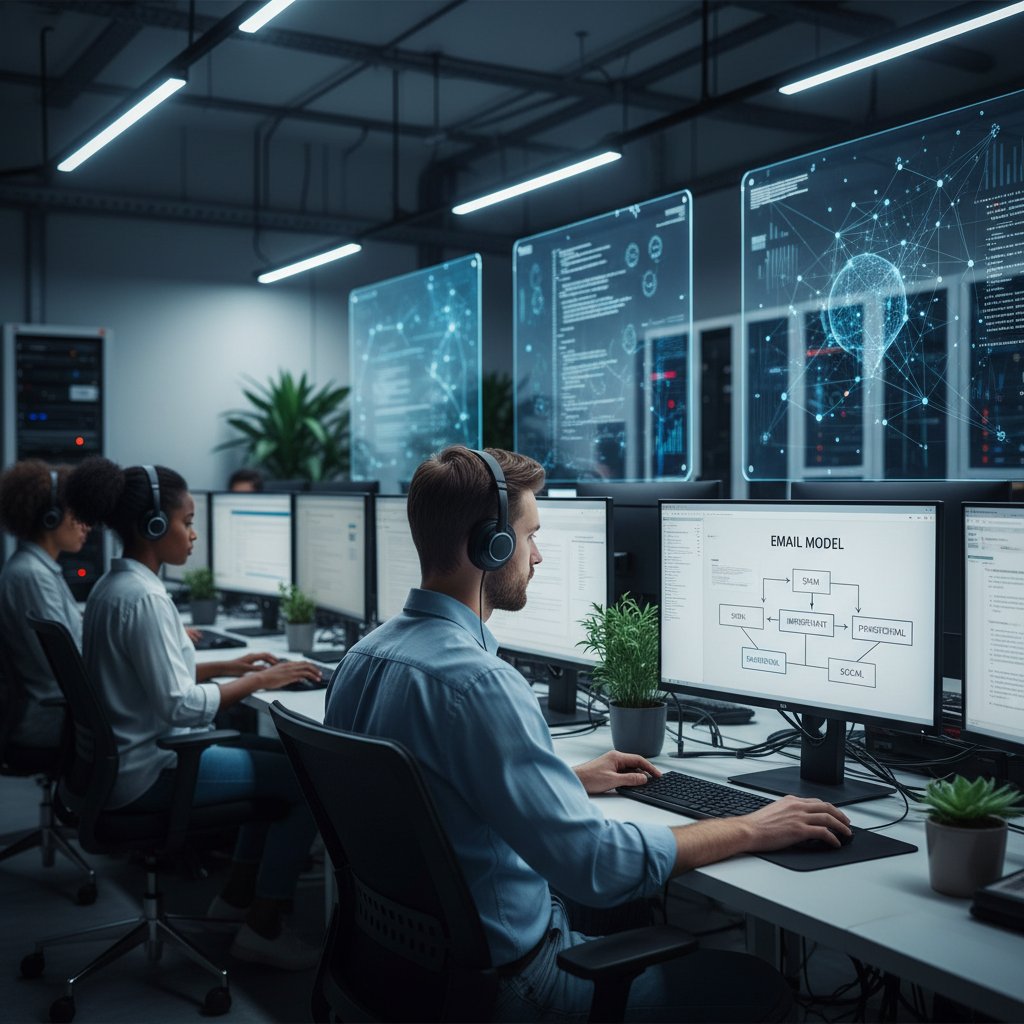
The human element is crucial. AI’s “understanding” isn’t empathy, but pattern-matching and prediction, guided by examples from its training set. Regular updates, user corrections, and feedback loops keep models evolving—bridging the gap between cold code and warm conversation.
Bias, hallucinations, and the weird side of AI email
For all their promise, AI email tools are not infallible. They can reflect or amplify human biases present in training data, or worse, “hallucinate” details—fabricating information that sounds plausible but isn’t. Over-formality, off-topic digressions, and subtle misinterpretations can slip through, especially in high-stakes threads.
Red flags when reviewing AI-written emails:
- Overly formal language where casual is expected
- Off-topic or irrelevant content inserted into responses
- Subtle bias in phrasing (gender, culture, authority)
- Hallucinated details: fake meeting times, incorrect names
- Repetition of stock phrases or unnatural transitions
Vigilance is key—no matter how advanced your assistant, final responsibility stays with the human.
Keeping it real: balancing AI speed with human oversight
The smartest approach isn’t to abdicate responsibility to the machine but to blend its strengths with your own. Review, customize, and give feedback—your edits are how the AI learns, and how you maintain control over your digital voice.
Checklist for safe and effective AI email adoption:
- Always review AI-generated drafts before sending
- Customize key details and sensitive language
- Provide feedback on errors or awkward phrasing
- Set clear privacy and data use preferences
- Use AI for routine, not sensitive, communications
This hybrid model is how businesses achieve both speed and substance.
Step-by-step: mastering your ai-powered email writing assistant
Getting started: choosing and setting up your tool
Diving into the world of AI-powered email assistants can feel overwhelming, but the learning curve is far gentler than you’d expect. Most modern solutions walk you through onboarding with guided tours, sample drafts, and real-time suggestions. From browser plugins to enterprise suites, it’s about matching the tool to your workflow and privacy needs.
Step-by-step guide to mastering your AI-powered email assistant:
- Assess your needs: Define your goals—are you overwhelmed by volume, struggling with tone, or looking to automate follow-ups?
- Research and shortlist tools: Compare browser extensions, standalone platforms, and integrations. Prioritize privacy and feature set.
- Sign up and onboard: Use trial periods to test ease of use, setup, and integration with your existing inbox.
- Customize preferences: Set tone, fallback behaviors, and privacy preferences.
- Start small: Begin with routine emails, then expand usage as confidence grows.
- Review and edit: Always review AI drafts, especially in critical contexts.
- Iterate and provide feedback: Use built-in feedback functions to teach your assistant your style and preferences.
Training your AI: teaching it your style
AI is not a mind reader—it learns by watching you. By editing drafts, flagging repeated mistakes, and feeding back on tone, you help your assistant fine-tune its output. Over time, the best AI tools adapt, mirroring your voice, quirks, and even the subtle sarcasm you (sometimes) deploy.
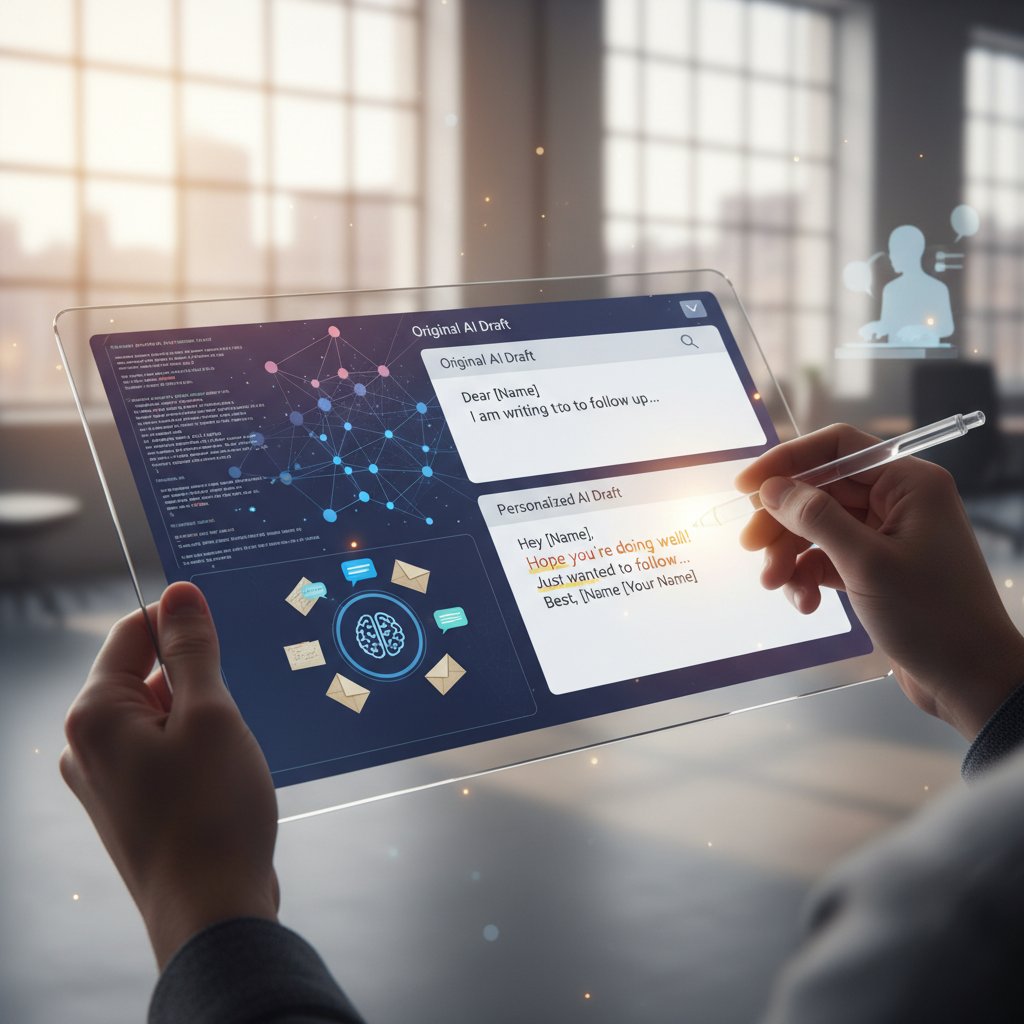
The more you engage, the smarter and more personalized your assistant becomes—turning generic automation into a genuine asset.
Pro tips: automating the boring, fine-tuning the important
Automation is best used as a scalpel, not a sledgehammer. Use AI to take care of routine updates, meeting confirmations, and status checks, but step in for critical negotiations, conflict resolution, or anything with emotional nuance.
Expert tips for blending automation and personal touch:
- Batch automate weekly summaries and progress reports, freeing up mental space for creative work
- Save custom templates for recurring scenarios, tweaking only key sentences for each recipient
- Use AI to draft responses to low-priority emails, but always review before sending
- Set up smart filters to triage urgent messages for manual review
- Regularly audit your “sent” folder to spot patterns or errors in AI drafts
The goal isn’t to disappear behind a bot—it’s to let AI handle the grunt work so you can focus on what only you can do.
The big picture: cultural and ethical impact of AI-written communication
Are we losing our voices—or finding new ones?
There’s a fierce debate about what happens when machines write for us. Are we surrendering our individuality, or simply amplifying it in a noisy world? For some, AI is a crutch; for others, it’s a megaphone.
"AI won't replace writers—just the ones who refuse to adapt." — Morgan, futurist
The paradox is that, in automating the routine, we may actually rediscover the value of intentionality and craft—reserving human effort for the messages that matter most.
The digital mask: authenticity in an AI-mediated workplace
Digital identity researchers warn that AI-generated communication can act as a “mask”—projecting an idealized (or sanitized) version of ourselves to colleagues and clients. But is this inauthentic, or simply a new layer of professional etiquette?
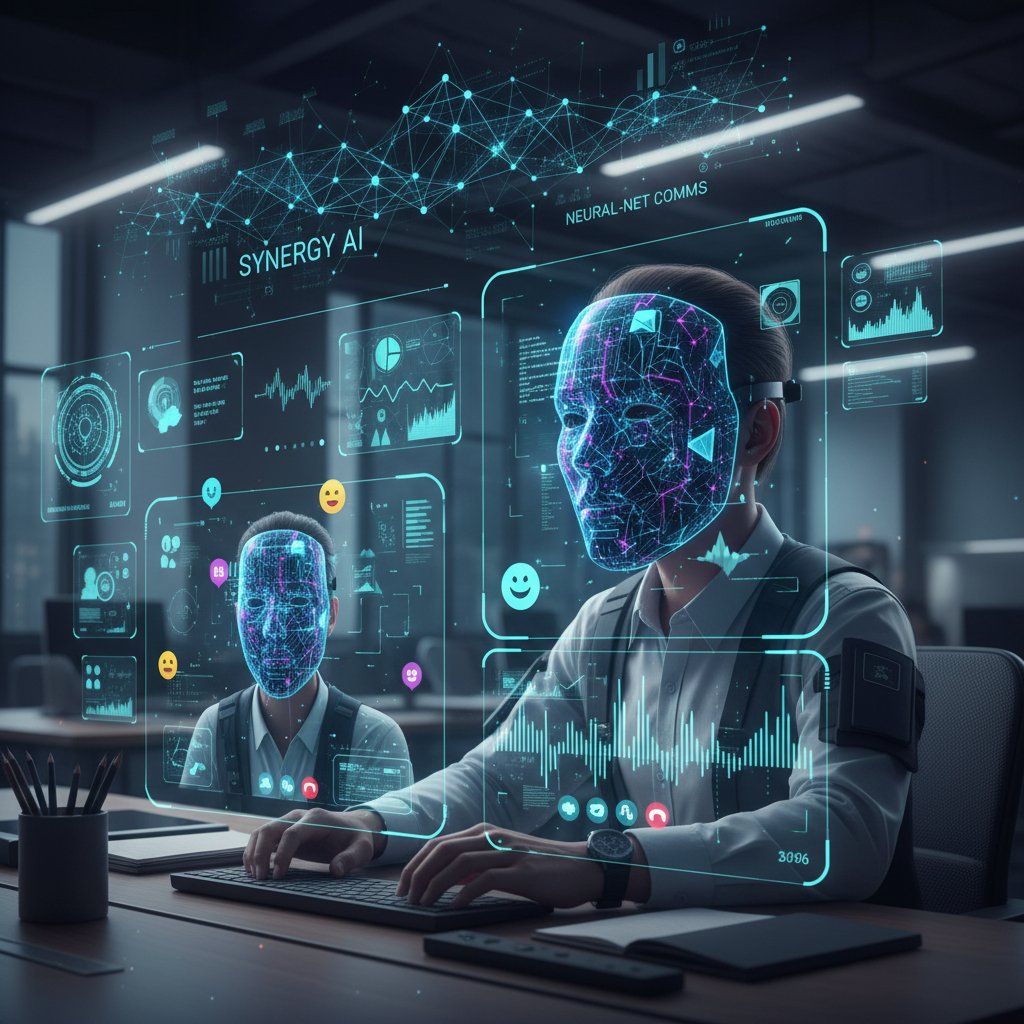
The key is transparency: disclosing when and how AI is used, and ensuring that automation doesn’t become a shield for avoidance or manipulation.
Ethics, bias, and the new etiquette
AI’s power comes with responsibility. Emerging best practices include disclosing when a message is AI-generated, monitoring for unintentional bias, and developing a new etiquette for digital interactions.
Key etiquette terms and AI jargon:
- AI disclosure: Informing recipients when an email or message was drafted by an AI assistant.
- Algorithmic politeness: Programming AI to default to respectful, inclusive language—sometimes more reliably than humans.
- Human-in-the-loop: Ensuring a person reviews or approves AI-generated content before it goes live.
- Prompt crafting: The skill of writing effective instructions for AI, critical to high-quality output.
Staying current with these concepts isn’t just smart—it’s essential for building trust in a world where automation touches every conversation.
Choosing the right AI email assistant: what really matters in 2025
Feature wars: what to look for and what to skip
Not all features are created equal. The real game-changers are seamless integration (with Gmail, Outlook, CRMs), robust privacy protections, adaptive learning, and actionable analytics. Skip gimmicks like “emotional score” meters or endless theme packs—they distract from the core value: getting things done, accurately and efficiently.
| Assistant | Integration | Privacy | Learning | Analytics | Price | Source |
|---|---|---|---|---|---|---|
| Lindy | Gmail/Outlook | Strong | Adaptive | Yes | $$ | Lindy, 2024 |
| GravityWrite | Most major | Strong | Adaptive | Yes | $$ | GravityWrite, 2024 |
| Automizy | CRM/Mktg | Good | Moderate | Yes | $ | Automizy, 2024 |
Table 4: Mobile-friendly comparison of top AI-powered email assistants (2024-2025)
Source: Original analysis based on [Lindy, 2024], [GravityWrite, 2024], [Automizy, 2024]
Cost-benefit: does AI email pay for itself?
The numbers speak for themselves: the AI-powered email assistant market is on track to balloon from $750 million to $1.9 billion by 2033, with businesses reporting major time and cost savings (Market.us, 2024). Yet, hidden costs—like training, integration, and ongoing oversight—can erode ROI if ignored.
Timeline of AI-powered email writing assistant evolution:
- 2015–2018: Basic grammar and spelling tools dominate
- 2019–2021: NLP-powered drafting and smart replies emerge
- 2022–2024: Deep integration and adaptive learning become standard
- 2025: Hyper-personalization, multilingual capabilities, and real-time analytics define the new wave
Choosing the right tool means thinking long-term: will it adapt as your needs evolve, or become another digital relic?
Looking ahead: the future of AI-powered communication
Trends are converging: AI tools are now capable of composing emails in any language, adjusting tone on the fly, and even generating voice-driven messages from brief prompts. The focus is shifting from automation to augmentation—empowering users to do more, faster, without sacrificing control.

In this new reality, email becomes less of a chore and more of a strategic asset.
Beyond automation: where ai-powered task automation is leading us
Email is just the beginning: the rise of task automation platforms
The same AI that writes your emails can now automate research, draft reports, schedule meetings, and manage customer follow-ups. Platforms like futuretask.ai are at the forefront, offering intelligent automation across a spectrum of business functions—content creation, analytics, project management, and more.
Other complex tasks AI can now automate:
- Market research and competitor analysis
- Data analytics and report generation
- Content drafting for blogs, proposals, and presentations
- Social media scheduling and monitoring
- Customer support triage and FAQ resolution
The question is no longer “Can AI do my email?” but “Which tasks should I still do myself?”
Human-AI symbiosis: new roles, new skills
Division of labor is shifting. The professionals who thrive are those who learn to collaborate with AI—delegating rote tasks while owning strategy, creativity, and judgment.
Self-assessment: are you ready for an AI-augmented workplace?
- Do you routinely automate repetitive tasks?
- Are you comfortable learning new digital tools?
- Can you critically review and improve AI-generated output?
- Are you transparent about your use of automation?
If you answered yes to most, you’re already ahead of the curve.
Risks, red flags, and how to stay ahead
Every tech revolution brings risk. Job displacement, skill gaps, and overreliance on automation are real concerns. The best defense is offense: keep skills sharp, stay curious, and use AI as a tool, not a crutch.
"The only thing scarier than AI is ignoring it." — Jamie, product manager
Proactive learning and ethical adoption are the surest ways to futureproof your career.
Conclusion: is your inbox ready for the age of AI?
Key takeaways: what you need to know now
The ai-powered email writing assistant isn’t just another productivity fad—it’s a tectonic shift in how we work, communicate, and compete. When used wisely, AI transforms chaos into clarity, freeing us from digital drudgery and restoring focus where it matters most.
Top 7 must-remember facts about AI-powered email writing assistants:
- They save significant time and reduce burnout for individuals and teams
- AI-powered assistants improve personalization and clarity in emails
- The best tools adapt to your voice and workflow
- Privacy and security must be non-negotiable when choosing a platform
- Hybrid (human + AI) approaches yield the best results
- AI email tools are becoming essential across industries—not just tech
- Staying engaged and critical is key to reaping the rewards without risk
Your next move: steps to start your AI journey
Ready to take control of your inbox—and your workday? Start small, stay critical, and let AI handle the noise while you focus on the signal.
Priority checklist for adopting your first AI-powered email writing assistant:
- Identify your needs—volume, tone, automation, or analytics
- Research and trial 2-3 leading tools for fit and privacy
- Onboard thoughtfully—set boundaries and preferences
- Use AI first for routine or low-stakes emails
- Always review and edit before sending
- Disclose use of AI where appropriate
- Provide feedback and stay updated on best practices
Transformation is here—will your inbox survive, or thrive? Find your edge by making AI your ally, not your overlord.
Sources
References cited in this article
- Market.us(market.us)
- UseMotion(usemotion.com)
- MarkTechPost: Top AI Email Assistants 2024(marktechpost.com)
- GravityWrite: AI in Email Marketing(gravitywrite.com)
- Lindy: AI Email Assistant Review(lindy.ai)
- Auratechnology: Death of Email(auratechnology.com)
- Wikipedia: Email Storm(en.wikipedia.org)
- Futurism: History of Email(futurism.com)
- EmailIsNotDead(emailisnotdead.com)
- SaneBox: Email Overload Research(blog.sanebox.com)
- Statista: Email Spam(atmail.com)
- Pew Research: Story of Email(pewresearch.org)
- Washington Post: AI Email Assistant Review(washingtonpost.com)
- DigitalOcean: Best AI Email Assistants(digitalocean.com)
- Mailmodo: AI Email Writer(mailmodo.com)
- Jenni AI: Email Writing(jenni.ai)
- QuickMail: AI Email Assistants(quickmail.com)
- Cleanbox: AI vs. Executive Assistants(cleanbox.ai)
- Gartner: AI Myths(gartner.com)
- Forbes: AI Myths(forbes.com)
- Sage Journals: Authenticity in AI Writing(journals.sagepub.com)
- TIME: Don’t Let AI Write Your Emails(time.com)
- Matrix Marketing Group: AI Case Studies(matrixmarketinggroup.com)
- Appinventiv: AI in Fintech(appinventiv.com)
- Forbes: AI and Accountability(forbes.com)
- Saleshandy(saleshandy.com)
- Amplemarket(amplemarket.com)
- Forbes: AI and Burnout(forbes.com)
- Upwork: AI-Enhanced Work Models(upwork.com)
- Trimbox: AI Email Drafting(trimbox.io)
- Forbes: Balancing AI and Human Expertise(forbes.com)
- HubSpot: Balancing AI and Human Writing(community.hubspot.com)
- ClickUp: Using AI for Email(clickup.com)
- CyberPanel: Top AI Email Assistants(cyberpanel.net)
- ByMilliePham: Best AI Email Assistants(bymilliepham.com)
- Salesforce: AI in Email Marketing(salesforce.com)
- Mailtrap: AI Email Personalization(mailtrap.io)
- MoEngage: Email Marketing Benchmarks 2025(moengage.com)
- Mailmodo(mailmodo.com)
- Seosandwitch(seosandwitch.com)
Automate Your Tasks, Transform Your Business
FutureTask.ai revolutionizes your workflow by automating complex tasks typically outsourced to freelancers and agencies. Our powerful AI-driven platform leverages cutting-edge LLM technology to deliver precision, speed, and consistency at scale. Whether you're managing content creation, data analytics, marketing campaigns, or customer support, FutureTask.ai ensures seamless task execution, significant cost savings, and unmatched efficiency. Transform your business operations, eliminate delays, reduce operational overhead, and gain a competitive advantage with intelligent automation.
Get startedReady to Automate Your Business?
Start transforming tasks into automated processes today
Frequently Asked Questions
What is the current state of email overload in the workplace?
The average office worker receives over 120 emails per day, and global email traffic has surged past 376 billion emails sent and received daily as of 2025. This exponential rise in volume has transformed email from a productivity tool into a primary source of workplace stress.
Why do people feel compelled to achieve inbox zero?
Psychologists explain that every unread message creates an 'open loop'—a to-do item that our brains cannot ignore. This constant mental pressure triggers low-level anxiety, making inbox zero both a professional achievement and a relentless burden.
What does the article suggest about the impact of email notifications on work focus?
The article describes the ping of an incoming email as a modern Pavlovian bell that conditions workers to abandon their current tasks and respond immediately, regardless of the cost to their workflow and well-being.
What is the central promise of AI-powered email writing assistants according to the article?
AI-powered email writing assistants promise to strip away mundane tasks, surface what matters, and return precious hours and sanity to workers by automating email management and writing.
From the Archive
Explore more from Ai-powered task automation

AI-Powered Email Sorting: How It Reshapes Inbox Management

AI Email Marketing Automation Versus Human Strategists

AI Task Automation Tools: How Work Is Changing in 2025

Do AI Productivity Apps Truly Improve Your Work Output?

AI-Based Productivity Solutions: What Actually Works and What Fails


